
How to hand a read-only portal to a client with the right role and branding
Give a client RankWatch access with a Client Viewer role and organization whitelabel branding for a portal-like experience.
Hand clients a read-only view of their workspace: right role, right workspace, and branded chrome — without billing or mutation rights.
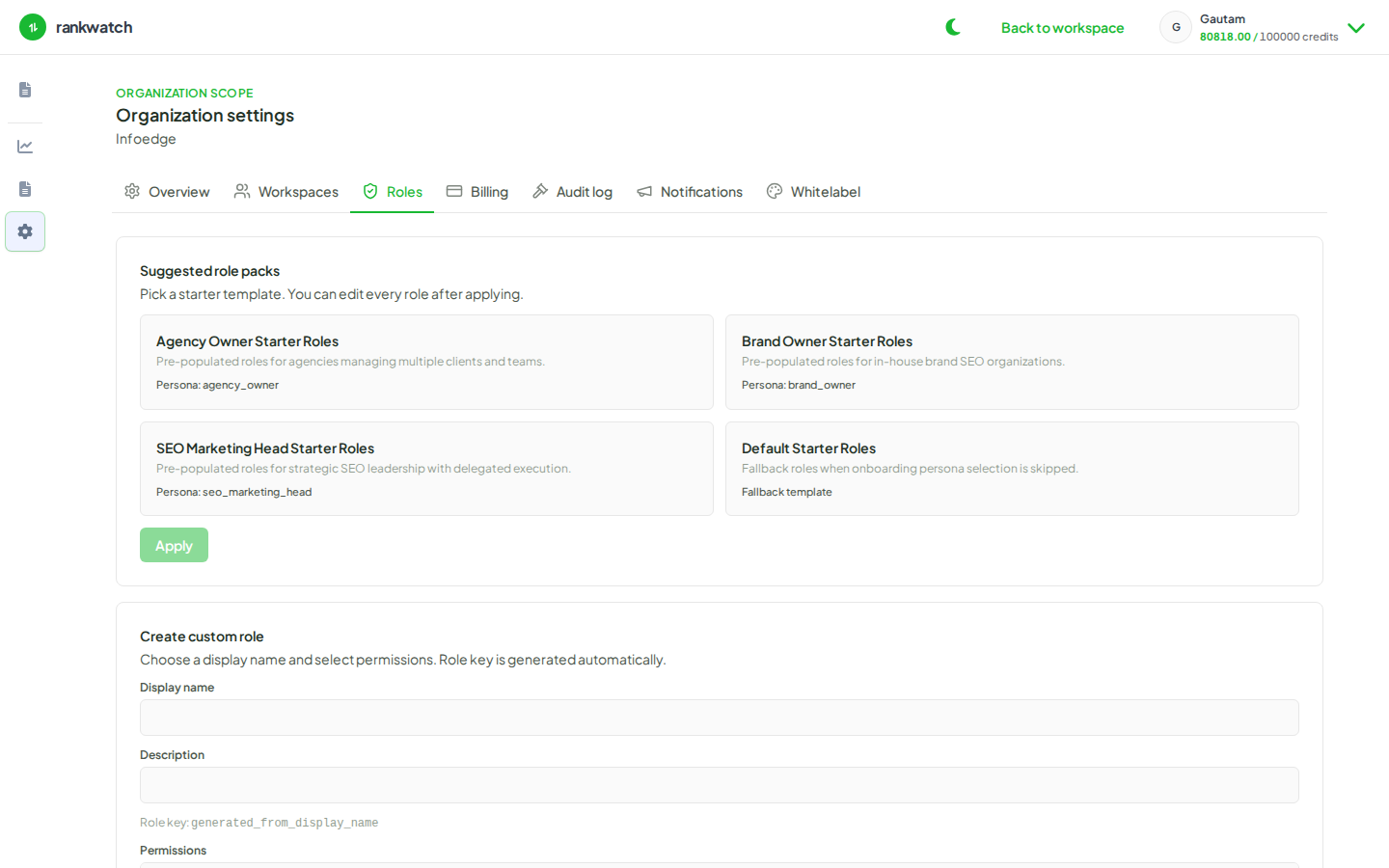
Steps
- Isolate data: use one workspace per client (create workspace). Never invite a client into a shared multi-client workspace.
- Role: as org owner, create or reuse a Client Viewer role with dashboard/report read permissions only (build Client Viewer).
- Branding: configure organization colors, logos, and site title under Organization settings → Branding (and custom domain if you use whitelabel DNS). Align report branding presets if PDFs are part of the portal story.
- Seed data: ensure Overview / Rankings (and AI (when included)) already show meaningful numbers before the client logs in.
- Invite: invite the client email into that workspace only, assigning the Client Viewer role. Have them accept the invite.
- Verify: sign in as the client (or watch them) and confirm they can open projects/dashboards but cannot add keywords, connect GSC, change roles, or open billing.
- Operate: keep agency operators on write-capable roles in the same workspace; use reporting delivery links for stakeholders who should not have app logins at all.
Outcome
The client gets a branded, read-only portal into their own workspace. Org owners retain billing, roles, and whitelabel; operators retain day-to-day SEO controls.