
How to see credits by activity
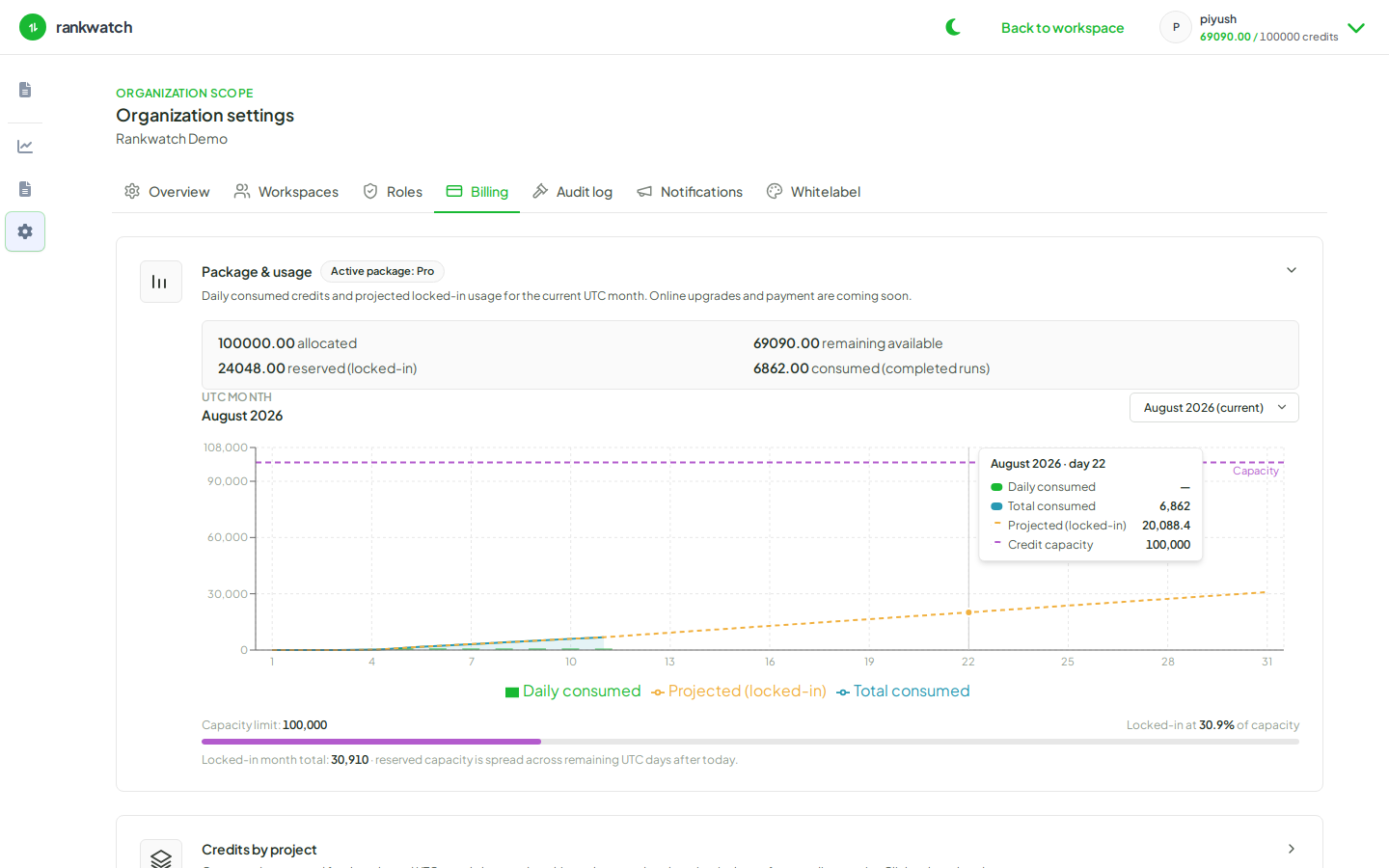
Break down RankWatch credit consumption by activity type (crawls, tools, AI, and similar) from org billing.
Prerequisites
- Organization owner
Activity breakdown shows how credits are spent (ranking crawls vs tools vs AI), which is the right view for finance or ops planning.
Steps
- Open Organization settings → Billing as org owner.
- Open the credits by activity chart or table.
- Identify dominant categories for the current UTC month (for example scheduled ranking crawls vs on-demand rechecks vs tool jobs vs AI).
- If tools dominate, confirm teammates are not looping freemium-style experiments inside entitled workspace tools without need.
- If AI dominates, review prompt counts and engines on AI projects before adding more prompts.
- Share the breakdown with stakeholders using plain language — pair with explain credit usage.
Outcome
You can explain credit burn by activity type and prioritize which workloads to throttle first.