
How to check credit usage by project
See which projects consume the most RankWatch credits from org billing and project usage views.
Prerequisites
- Organization owner for org billing tables; project access for project-level usage
When credits drain faster than expected, break usage down by project so you can pause low-value trackings or rebalance client workspaces.
Steps
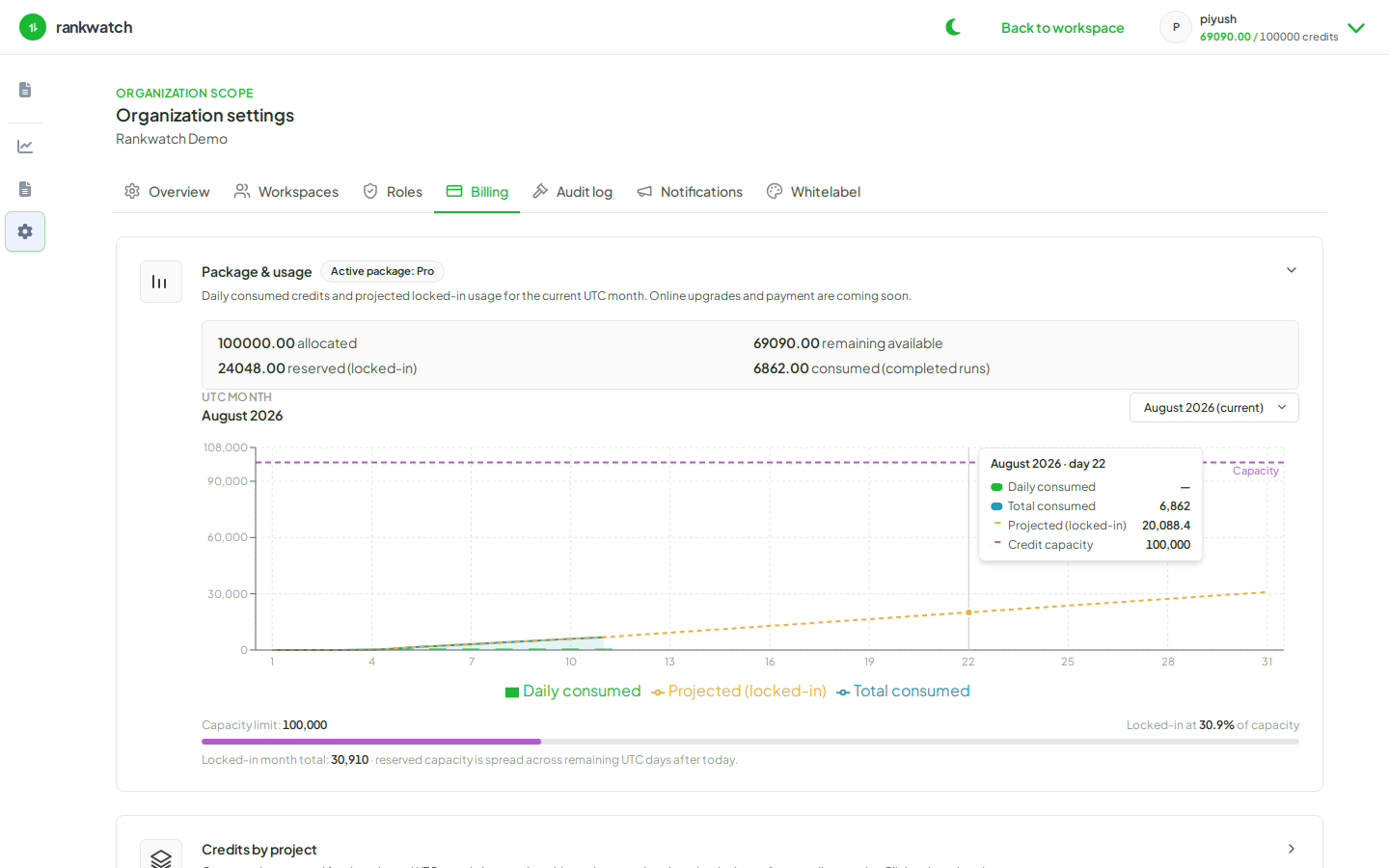
- As org owner, open Organization settings → Billing.
- Open the credits by project table (or equivalent usage breakdown).
- Sort or scan for the highest consumers. Note workspace/client names if your agency uses one workspace per client.
- Open a heavy project from Projects and review keyword volume, crawl frequency, rechecks, and AI prompt counts.
- Optional: open project settings / usage surfaces for a tighter project-scoped view (review project credit usage).
- Decide actions: pause keywords, lower frequency, delay AI expansion, or request a package change.
Outcome
You can attribute credit burn to specific projects and take targeted ops actions instead of freezing the whole organization.