
Plans, products, and feature limits explained
How a RankWatch plan combines monthly credits, add-on products, and numeric limits such as projects, trackings, prompts, and seats.
Your organization’s plan decides which RankWatch products you can use, how many credits renew each month, and how many projects, trackings, members, AI prompts, and competitors you may run.
What the plan is made of
| Piece | Where you change it | What it does |
|---|---|---|
| Monthly credits | Billing → Plan | Recurring allowance. Raising it charges the extra credits today and applies now. Lowering it starts next cycle. |
| Add-on products | Billing → Plan → Add to your plan | Features you do not already have, such as white label. Charged in full today and enabled immediately. |
| One-time credits | Billing → Buy credits | A reserve that expires (90 days unless checkout says otherwise). Does not change the monthly allowance. Included credits are used first. |
| Numeric limits | Shown on the current plan | Max projects, active trackings, members, AI prompts, AI competitors. |
Billing no longer offers a picker of named bundles. Capacity changes are monthly credits, add-ons, or a one-time pack.
Included products vs numeric limits vs credits
| Type | Examples | What happens when blocked |
|---|---|---|
| Included products | AI Visibility, Brand Prompt Generator, Keyword Suggestions, AI Checker, white label | Module or option stays unavailable until the product is on the plan |
| Numeric limits | Max projects, max active trackings, max members, max AI prompts, max AI competitors | Create or select actions fail until you free capacity or the limit on the plan changes |
| Credits | Credits this period plus pack balance | Chargeable runs and tool jobs stop when available credits are exhausted |
Credits and plan limits can both block the same action — see Credits vs plan limits.
Limits apply across workspaces in the organization. aMember-billed organizations keep invoices in aMember; RankWatch still shows the fulfilled plan and credits here.
Where to review
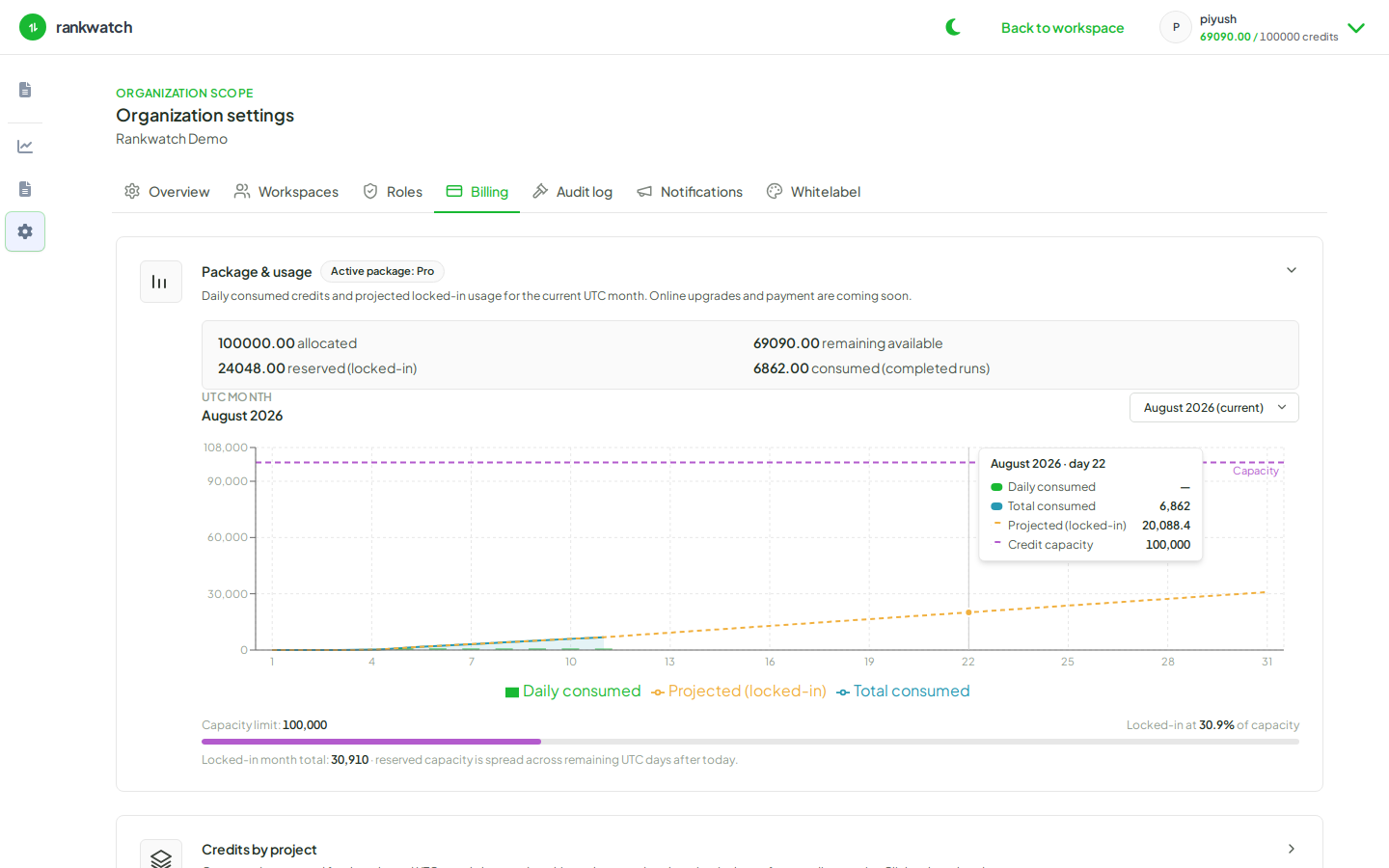
Organization owners: Organization settings → Billing. Sections are Overview, Plan, Payment, Buy credits, Invoices, and Usage.