
How to view your plan and feature limits
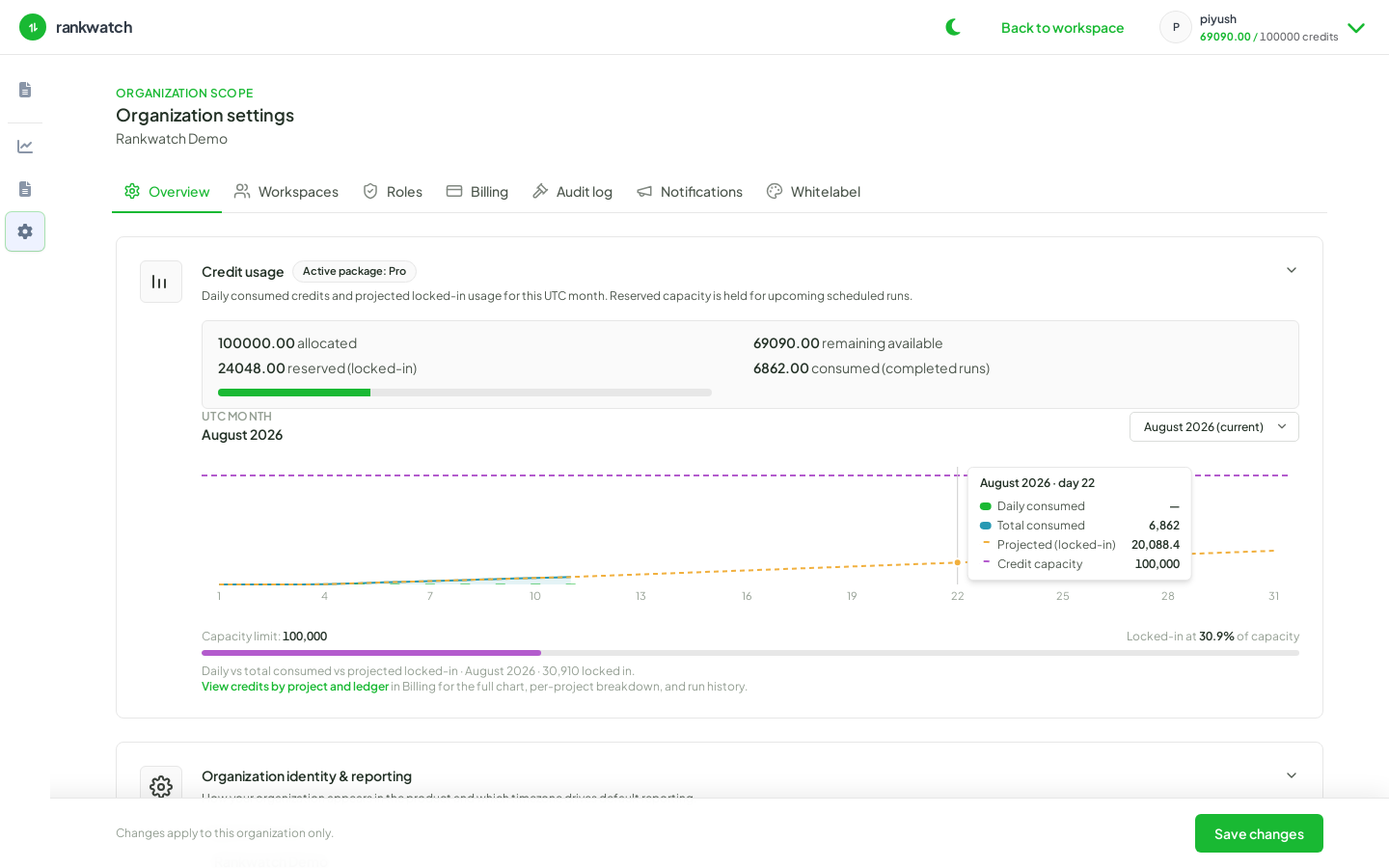
Review the current plan, included features, monthly credits, and one-time pack balance from Organization billing (org owner).
Prerequisites
- Organization owner (billing profile, plan view, and credit summaries)
Your plan controls which features are on (for example AI Visibility, workspace tools, white label) and numeric limits (projects, trackings, seats, AI prompts). Monthly credits and one-time packs are a separate consumption ledger — both a missing feature and an empty balance can block an action.
Steps
- Sign in as the organization owner.
- Open Organization settings → Billing → Overview.
- Read Current plan: plan name, status, renewal date, included features, and this period’s credit allowance.
- Compare Credits this period (monthly allowance and how many remain) with Pack balance (prepaid credits outside the monthly drip).
- Open Usage on the same Billing tab for credits by project and by activity.
- If a nav item is missing (AI or Tools), treat it as a feature on the plan first — see tool or AI nav missing — before assuming a UI bug.
- To change capacity, use Plan for monthly credits and add-ons, or Buy credits for a one-time reserve.
Outcome
You know which modules teammates should see, how many monthly credits remain, and whether a pack is covering extra usage. Billing stays with the organization owner; workspace roles cannot open this screen.