
How to update your billing profile
Save the invoice profile (business name, address, country, and GST or VAT) before a paid plan change or credit purchase.
Prerequisites
- Organization owner
Paid actions on Billing stay blocked until an invoice profile is on file. Saving it does not change your plan, credits, or feature access.
Steps
- Sign in as the organization owner.
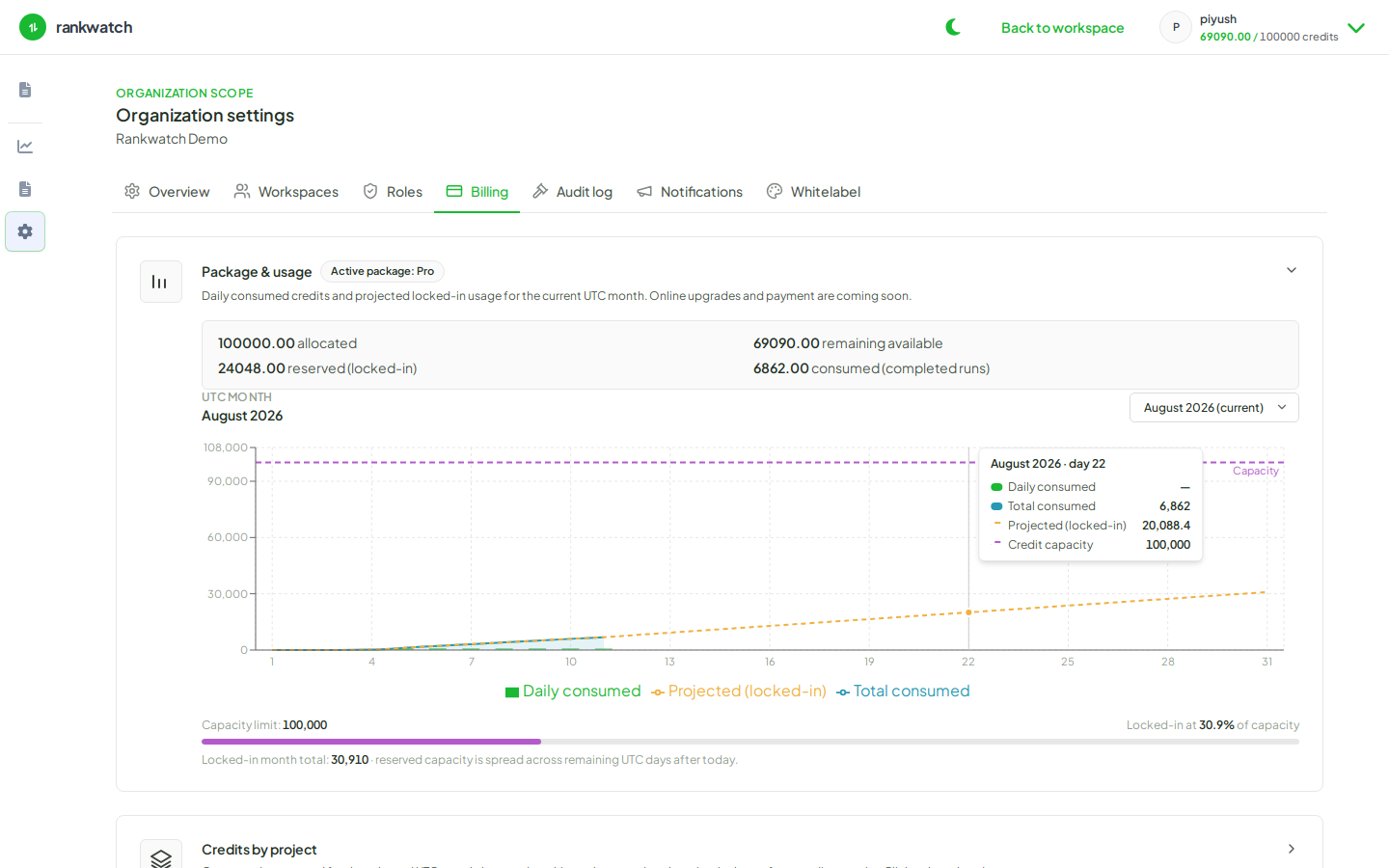
- Open Organization settings → Billing → Plan or Buy credits.
- If the profile is incomplete, RankWatch shows Before you continue instead of checkout. Fill:
- Country
- State when the country is India (required for GST)
- Business name, Address, City, and Postal code
- GSTIN for India, or VAT number for EU and UK — both optional
- Choose Save and continue. The form leaves the page and the Plan or Buy credits controls appear.
- Country cannot be cleared after it is saved. For India, the state locks once the country is saved. Contact support if the locked country is wrong — do not create a second organization to work around it.
Outcome
Invoices can be issued for the next charge. Plan changes and one-time credit purchases proceed from the same Billing tab.